Safeguard your product by following the appropriate packaging and shipping procedures.
Consumer trade-in customers have two options available for shipping product(s) with value to ERI after receiving a quote.
1. Use Your Own Packaging Materials and Provided UPS Label
This is the default and preferred method for shipping product(s) to ERI. This method expedites the trade-in process by alleviating the time needed to ship you packaging materials.
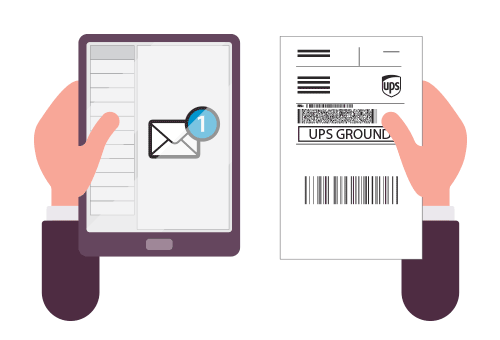
We will include a UPS return shipping label as a PDF attachment with your trade-in confirmation email. Open the PDF and print the return shipping label.

Then place your device in a box, securely package, and affix the return shipping label to the outside of the box.

Drop off your package at the nearest UPS Store or Staples Ship Center location or call 1-800-742-5877 to schedule a pick-up.
2. Purchase Packaging Materials and Provided UPS Label
If you do not have suitable packaging materials, please visit your nearest Staples store locaton to purchase packaging materials.
Then securely pack your item and attach the provided UPS return shipping label. When packaging the product, be sure to include all accessories (cables, adapters, mice, keyboards, etc.). Failure to include any items you told us about when the quote was calculated, or sending us a product which does not match your original description, may impact the final value of your product and may result in a recalculated quote.